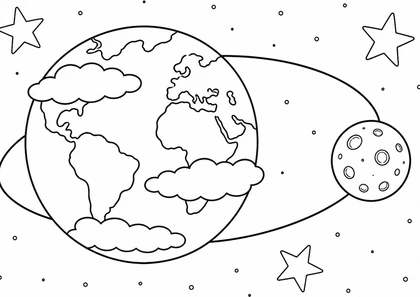
Earth and Moon in Orbit
Ages 4–5
Color nowChoose a picture and color with a mouse or your finger right here. Free, with no account or app installation needed.
Pictures: 20
Ages 4–5
Color now
Ages 4–5
Color now
Ages 2–3
Color now
Ages 2–3
Color now
Ages 2–3
Color now
Ages 2–3
Color now
Ages 2–3
Color now
Ages 2–3
Color now
Ages 2–3
Color now
Ages 2–3
Color now
Ages 2–3
Color now
Ages 2–3
Color now
Ages 4–5
Color now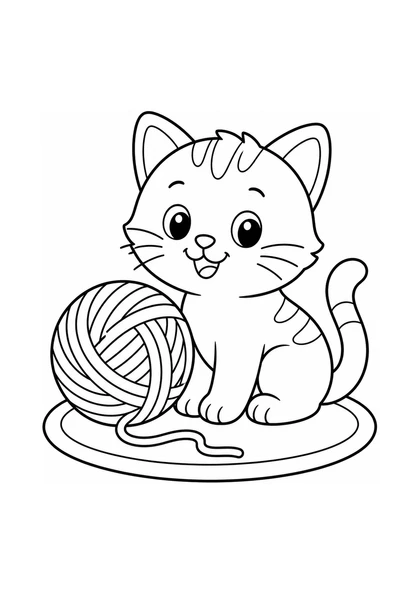
Ages 2–3
Color now
Ages 2–3
Color now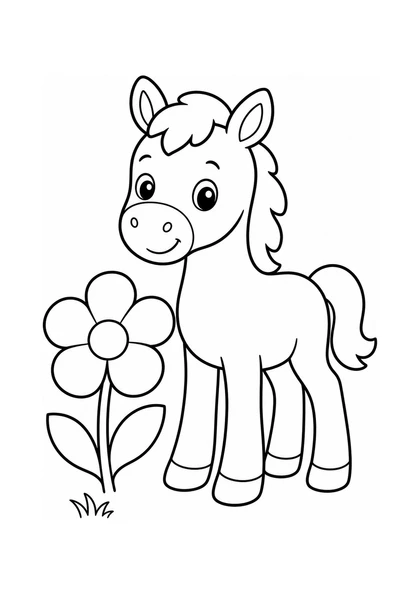
Ages 2–3
Color now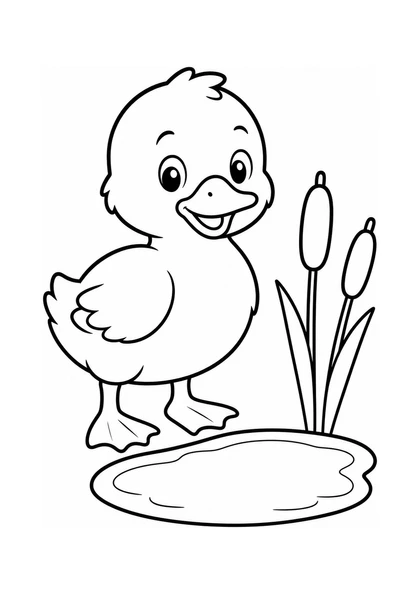
Ages 2–3
Color now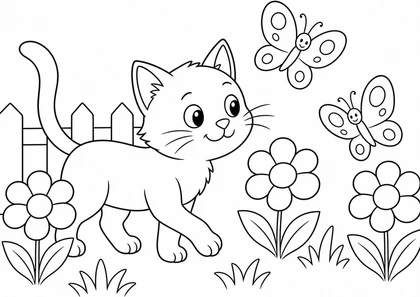
Ages 4–5
Color now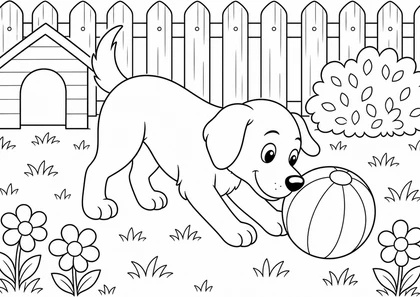
Ages 4–5
Color now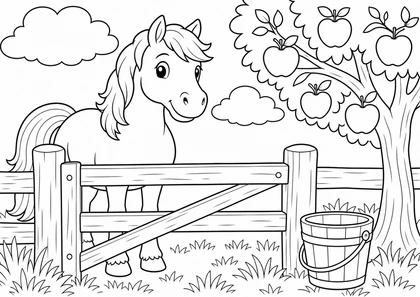
Ages 4–5
Color nowExplore topics and ages with the “Available to color online” filter already selected.
Browse the catalog →Use the fill tool, a brush that stays inside each shape, and the eraser. You can undo a mistake, then download or print your finished picture.
This browser automatically keeps one current draft, every 30 seconds and when leaving the editor. Download your finished picture before starting another one.
No. Choose a picture and start coloring for free in your browser.
Yes. Use your finger on a phone or tablet, or a mouse on a computer. Use two fingers to zoom and move the picture.
Select Done, then Download picture. Your picture will have a white background and no watermark.
Return to this section in the same browser on the same device. One current draft is saved every 30 seconds and when leaving the editor. Before starting another picture, you can download your previous work. Clearing browser data deletes the draft.
Yes. Download the finished PNG and open it to print on your device.